What Your PM Statement Isn’t Telling You (And How AI Catches What You Miss)
Date: April 6, 2026
Slug: what-your-pm-statement-isnt-telling-you-and-how-ai-catches-what-you-miss
Target Keyword: property manager statement errors reconciliation
Pillar: PM Oversight (Cluster 2: PM Reconciliation & Oversight)
Category: PM Oversight
Tags: property manager statements, PM reconciliation, rental property accounting, Knox AI, DoorVault, passive landlord, PM oversight
Author: DoorVault Team
Meta Title: PM Statement Errors: What AI Catches That You Miss
Meta Description: Your property manager statement hides fee changes, missing deposits, and duplicate charges. Here is what to check and how Knox AI catches every anomaly for you.
Excerpt: Property manager statements hide fee creep, missing deposits, and duplicate charges. Learn how Knox AI reconciles every line item so you catch what your PM statement is not telling you.
Every month your property manager sends you a statement. Rent collected, expenses deducted, a net disbursement hits your bank account. Most landlords glance at the bottom number, see that it roughly matches last month, and move on.
That glance is where the problem starts.
PM statements are built to be skimmed. They are formatted for accounting reconciliation, not for investor oversight. Line items are abbreviated. Fee structures are buried in footnotes. Maintenance charges get lumped together. And the one number you actually care about, your true cash flow per door, does not appear anywhere on the document.
This post breaks down exactly what your PM statement is not telling you, what to look for when you read one, and how DoorVault’s Knox AI reads every statement automatically and flags the things that a human eye will miss.
The Five Things Hidden In Every PM Statement
After processing thousands of PM statements across different software (AppFolio, Buildium, Rent Manager, Propertyware) there are five patterns that show up again and again. Every one of them costs real money.
1. Fee creep
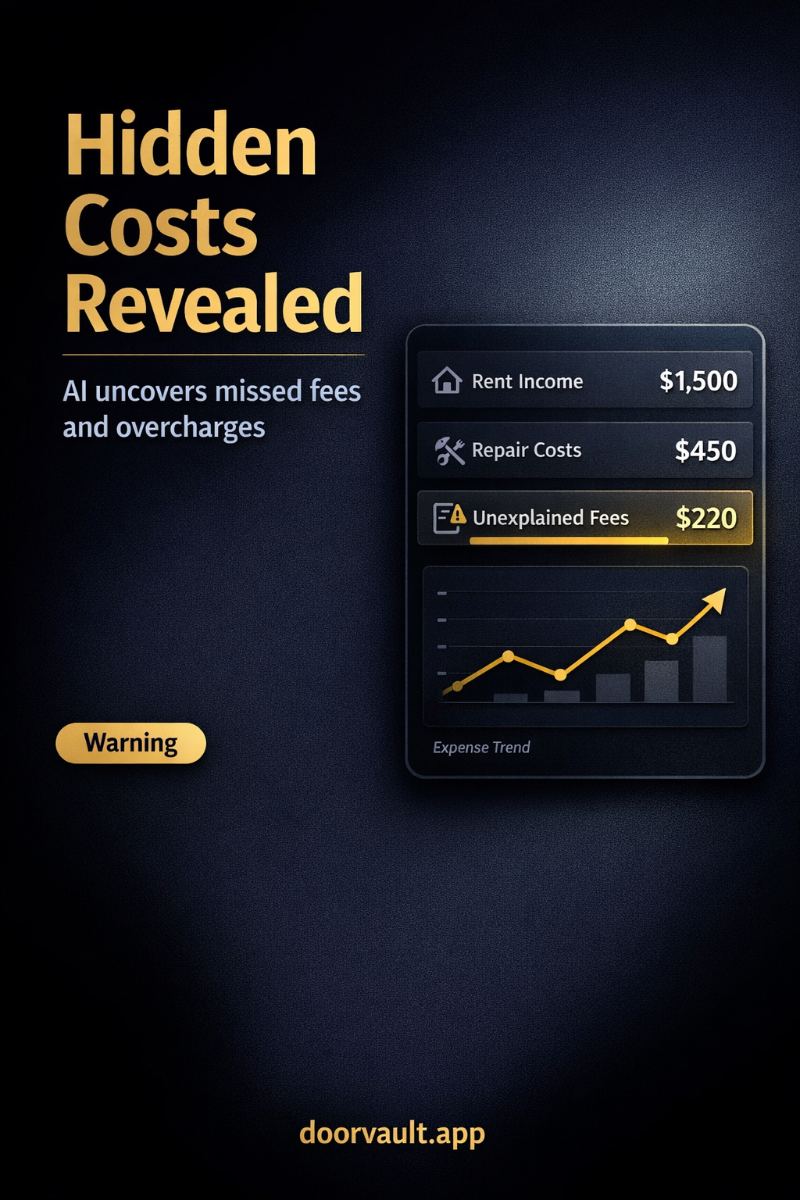
The most common silent leak. Your management agreement says 10 percent of collected rent. Three months ago, without any email or update, your PM started charging 11 percent. Or they added a “leasing coordination fee” that was not there last year. Or the “technology fee” went from $5 to $15 per door.
These increases are legal if your contract allows them. The problem is that nobody tells you. The statement just shows a new number next to a line item you have been glancing past for six months.
2. Missing rent or partial collections
A tenant pays late. Your PM receives $900 instead of the full $1,150. The statement shows the $900 collected. What it usually does not show, clearly, is the $250 shortfall and whether late fees were assessed, collected, or waived. Three months later you look at annual income and realize one unit is running $800 short without any notation of why.
3. Duplicate or reclassified charges
A plumber’s invoice gets entered twice. Or the same roof repair appears as “maintenance” in one month and “capital improvement” in another. Or a tenant chargeback credit never makes it back to your side of the ledger. These are not fraud. They are data entry errors by humans on the PM side who are processing hundreds of statements in a batch.
You will never catch these by eyeballing a PDF.
4. Missing deposits and holdbacks
Security deposits collected at move-in are supposed to sit in escrow. But the statement line that shows “deposit received” sometimes does not reconcile with what actually ends up in the deposit trust account. Worse, when a tenant moves out, the statement may show deductions and refunds without matching them against your original collection record.
5. Maintenance that crosses the line
Most PM agreements let the manager approve repairs up to a threshold (often $300 or $500) without owner approval. A stream of $295 invoices that happens to land every month is something to pay attention to. So is a single $800 invoice with no prior notification. Your statement will list the charge. It will not flag the fact that something was off.
None of this means your PM is dishonest. Most PMs are not. It means PM statements are optimized for the PM’s workflow, not yours. The oversight job falls on you.
What Proper PM Statement Reconciliation Actually Looks Like
If you wanted to do this manually, the checklist for a single statement would look something like this. Line up rent collected against your lease terms. Verify the management fee percentage against your contract. Check every maintenance charge against prior months for duplicates. Reconcile deposits against tenant move-ins and move-outs. Match PM disbursements against your bank account. Categorize every expense correctly for Schedule E. Flag anything that looks unusual compared to historical averages.
For one property, this takes 20 to 30 minutes. For 10 properties across two or three property managers, you are looking at 3 to 5 hours every month, every month, forever. This is why most investors stop doing it. They tell themselves they will catch up “next month” and then it is April and they are reconciling a full year during tax prep, by which point nothing is recoverable.
There is a better way, and it is the reason DoorVault exists.
How Knox AI Reads PM Statements Automatically
Knox is DoorVault’s document intelligence engine. It recognizes over 72 different real estate document types, and PM statements from the major software platforms are among the most deeply processed. Here is what happens when you forward a PM statement to your unique Knox inbox, upload it, or let DoorVault pull it from a synced Dropbox folder.
Stage 1: Classify. Knox reads the document and identifies it as a PM statement, recognizing the source software (AppFolio, Buildium, Rent Manager, or a custom format) and matching the statement to the correct property in your portfolio.
Stage 2: Extract. Vision-first extraction pulls every line item, not just summary totals. Rent collected per unit. Each fee with its label and amount. Every maintenance charge with vendor, date, and description. Any reserve holdbacks. The final disbursement.
Stage 3: Verify. Knox cross-checks the extracted data against the original document and flags anything that did not read cleanly. If a number is ambiguous, it is surfaced for review instead of silently guessed.
Stage 4: Match. This is where reconciliation happens. Knox compares each line item against your portfolio history and your existing transactions. It checks whether the management fee percentage matches your contract. It looks for duplicate charges across months. It checks whether expected monthly rent was collected in full. It verifies the net disbursement lands in the bank account that your Plaid integration is already tracking.
Stage 5: Apply. Knox creates the transactions in DoorVault, files the PDF under the correct property in your document vault, and updates your dashboard. A 10-page PM statement that would take 45 minutes to process manually is done in about 30 seconds.
The Anomalies Knox Catches That You Would Not
This is where automated reconciliation stops being a time saver and starts being a money saver. Knox’s anomaly detection runs on every new PM statement and compares line items to historical patterns for that property.
Examples of things Knox has flagged on real investor portfolios:
- Management fee that quietly moved from 10 percent to 11 percent three months ago
- A “lease coordination” fee charged twice in the same month for the same unit
- A maintenance invoice that matched the description of a repair completed (and paid for) two months earlier
- A security deposit collected at move-in that never hit the deposit trust line
- A monthly “technology fee” per door that tripled without notification
- Rent collected that was $200 short for three consecutive months with no late fee notation
- A vendor invoice coded as an expense that should have been classified as a capital improvement for IRS purposes (which Knox’s capital improvement classifier flagged automatically)
Every flag shows up in your activity log with a before/after snapshot. You review the flag, approve or reject, and the transaction records update with a full audit trail. Nothing changes without your knowledge.
How This Fits Into The Rest Of Your Portfolio
PM statement reconciliation is one piece of the DoorVault platform, not the whole thing. The same Knox engine that reads PM statements also handles your insurance renewals, tax bills, inspection reports, lease agreements, closing disclosures, and every other document that hits your portfolio. Forward any property-related email to your Knox inbox. Upload a file. Sync a cloud folder. Knox processes all of it.
On top of document processing, DoorVault runs your portfolio dashboard (real-time NOI, cash flow, cash-on-cash returns), a loans dashboard (31 tracked fields per loan, amortization, weighted average rate), bank reconciliation through Plaid, anomaly detection across every transaction, multi-entity management for LLC tracking, Section 8 compliance monitoring, BRRR pipeline tracking, and a full Schedule E export (one click per property, exports to Drake, Lacerte, ProConnect, UltraTax, or CSV).
The PM statement piece is the entry point for most investors. It is the pain that gets people in the door. What they discover after a month of use is that the same AI is quietly handling the other 15 things they were also doing manually.
The Bottom Line
Your PM statement is not lying to you. It is just not written for you. It is written for accountants processing a batch. The five things it is not telling you (fee creep, missing rent, duplicate charges, deposit discrepancies, unauthorized maintenance) are things you can only catch with either disciplined monthly reconciliation or a system that does it for you.
Manual reconciliation across 10 properties is not sustainable. That is the honest truth. The investors who claim they do it are either lying or three months behind.
DoorVault’s Knox AI reads every PM statement in about 30 seconds, flags every anomaly, files the document to the correct property, and updates your dashboard in real time. It is what makes “passive income” actually passive on the operational side.
If you are spending hours every month reconciling PM statements by hand, or if you stopped doing it altogether and are quietly hoping nothing is slipping through, go to doorvault.app and click Try Demo. You will see exactly how Knox handles a PM statement end to end.
Frequently Asked Questions
How long does it take Knox to process a PM statement?
About 30 seconds from upload (or email forward, or cloud sync) to fully processed, including classification, extraction, verification, matching against your portfolio, transaction creation, and document filing. Manual processing of the same statement typically takes 30 to 45 minutes.
Which PM software does Knox support?
Knox has deep recognition for statements from AppFolio, Buildium, Rent Manager, Propertyware, and most custom PM formats. It reads PDFs, scanned images, and email attachments with equal accuracy.
What kinds of errors does Knox flag on PM statements?
Management fee changes, duplicate charges, missing or partial rent collection, unreconciled security deposits, maintenance patterns that deviate from historical averages, misclassified capital improvements, and any line item that does not match expected contract terms.
Do I have to review every flag Knox raises?
Yes, but most flags take a few seconds to confirm or dismiss. Everything is logged with a full audit trail and single-field revert, so you are always in control.
Does Knox replace my property manager?
No. Knox sits on your side of the table as the owner. Your PM still handles leasing, maintenance, and tenant relationships. Knox makes sure that what ends up on your statement matches reality and gets recorded correctly in your portfolio.