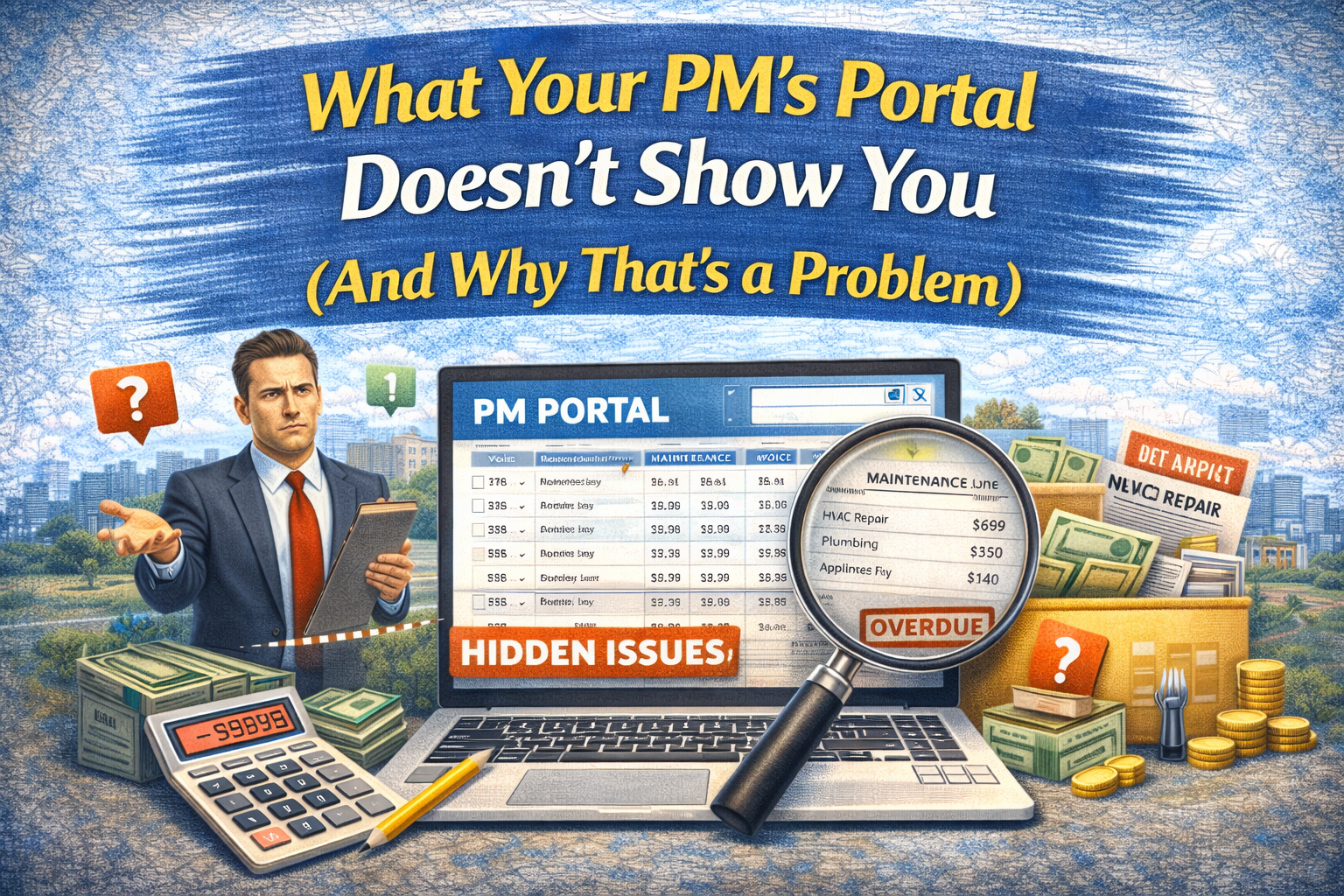
If you own rental properties with a property manager, your rental property document management system is probably Gmail. Or maybe a Google Drive folder. Or a filing cabinet in your spare bedroom that you swore you’d organize “this weekend” six months ago.
Here’s the reality: a single rental property generates dozens of documents every year. Leases, insurance declarations, PM statements, closing documents, inspection reports, 1099s, repair invoices, Section 8 vouchers, appraisal reports. Multiply that across 5 or 10 properties and you’re looking at hundreds of files scattered across inboxes, cloud folders, and email attachments you forgot existed.
The worst part? You don’t realize you have a document problem until you need something urgently and can’t find it.
The Real Cost of Document Chaos
Let’s put some numbers on this. Say you own 8 rental properties across 2 LLCs. Each property generates roughly 72 different types of documents over its lifecycle: settlement statements, PM monthly statements, lease agreements, insurance policies, inspection reports, tax documents, repair receipts, and more.
That’s potentially 576 documents you need to be able to locate at any moment.
Now your lender calls because you’re refinancing one of your BRRR properties. They need the original settlement statement, the most recent insurance declaration page, the current lease, and last quarter’s PM statements. How long does it take you to pull those four documents together?
If the answer is more than two minutes, you have a rental property document management problem. And if you’re being honest, it probably takes you 30 minutes to an hour of digging through email threads, downloading attachments, and checking three different folders before you find everything.
That time has a cost. At $50/hour for your time, just one document search session costs you $25 to $50. Do that twice a month and you’re spending $600 to $1,200 a year just looking for paperwork.
Why Email Is Not a Document Management System
Most landlords who use property managers receive everything via email. Your PM sends monthly statements as PDF attachments. Insurance renewals come from your agent. Closing docs come from the title company. Inspection reports come from the housing authority.
Email was designed for communication, not organization. When your PM sends you a statement for 123 Main St buried in the same email thread that discusses a maintenance issue at 456 Oak Ave, good luck finding that statement six months later.
The common “solutions” landlords try all break down eventually. A folder per property on Google Drive works until property five, when you start forgetting which subfolder naming convention you used. Saving everything to your desktop works until you switch computers. Printing everything and filing it works until you need to share a document with your CPA remotely.
The pattern is the same every time: a system that works for two properties collapses under the weight of a growing portfolio.
What Good Rental Property Document Management Actually Looks Like
Effective document management for rental property investors has three requirements.
First, documents need to be automatically categorized by property and type. You shouldn’t have to manually sort a PM statement into the right folder. The system should know that this document belongs to 123 Main St and it’s a monthly owner statement from February 2026.
Second, you need instant retrieval. When your CPA asks for all repair receipts from last year for your Birmingham LLC, you should be able to pull that report in seconds, not spend an afternoon compiling it.
Third, the system needs to handle the volume that comes with scaling. What works at 3 properties needs to work at 10 and at 30. If adding a property means adding another manual organizational workflow, you’ll hit a wall.
How Knox Handles Document Intelligence
This is exactly why we built document intelligence into Knox, the AI engine inside DoorVault. The workflow is simple: forward your PM email to your DoorVault inbox.
Knox reads the email, identifies every attachment, recognizes the document type (from 72+ categories including settlement statements, PM statements, insurance declarations, leases, inspection reports, and Section 8 vouchers), extracts structured data from the document, and files it to the correct property automatically.
No manual sorting. No folder creation. No renaming files with your property address prefix convention that you forgot about three months ago.
Here’s a real scenario. You receive your monthly PM email with statements for six properties attached as a single PDF. Knox splits the PDF by property, identifies each as an owner statement, extracts the key financial data (rent collected, management fees, maintenance charges, net disbursement), creates suggested transactions in your ledger, and files each statement to its respective property’s document vault.
You spent zero minutes on this. Knox handled it when you forwarded the email.
The Tax Season Test
The ultimate test of your document management system is tax season. When your CPA needs your Schedule E data, can you provide categorized transactions with supporting documents for every property, organized by LLC, in under five minutes?
If you’ve been filing documents properly all year, this is trivial. If you haven’t, you’re looking at the dreaded “tax season scramble” where you spend 10 to 15 hours reconstructing a year’s worth of records from email searches and bank statements.
One DoorVault user with 12 properties across two LLCs told us their CPA prep went from three weekends of gathering documents to a single CSV export and a shared document link. Their CPA stopped charging the “disorganized records” premium, saving them roughly $800 in accounting fees.
Getting Started Without Overwhelm
You don’t have to retroactively organize every document you’ve ever received. Start with today and move forward.
Begin by forwarding your next PM email to your DoorVault inbox instead of letting it sit in Gmail. Knox will process it, file it, and suggest the transactions. Do that consistently for 30 days and you’ll have a clean, organized record for the current month across your entire portfolio.
Then, as documents come in naturally (insurance renewals, lease updates, inspection reports), forward those too. Within a few months, your document vault fills itself without you ever creating a single folder or renaming a single file.
The goal isn’t perfection on day one. The goal is building the habit of forwarding instead of filing, and letting the AI handle the organization you were never going to do manually anyway.
Stop Being Your Own Filing Clerk
You bought rental properties for passive income and wealth building. Not to become an unpaid filing clerk sorting PDFs into Google Drive folders at 10 PM on a Tuesday.
Rental property document management doesn’t need to be a chore you avoid until it becomes a crisis. It needs to be invisible. Forward the email, let Knox handle the rest, and spend your time finding the next deal instead of finding last month’s insurance declaration.
See Knox process a real PM email in 30 seconds → Try the live demo